

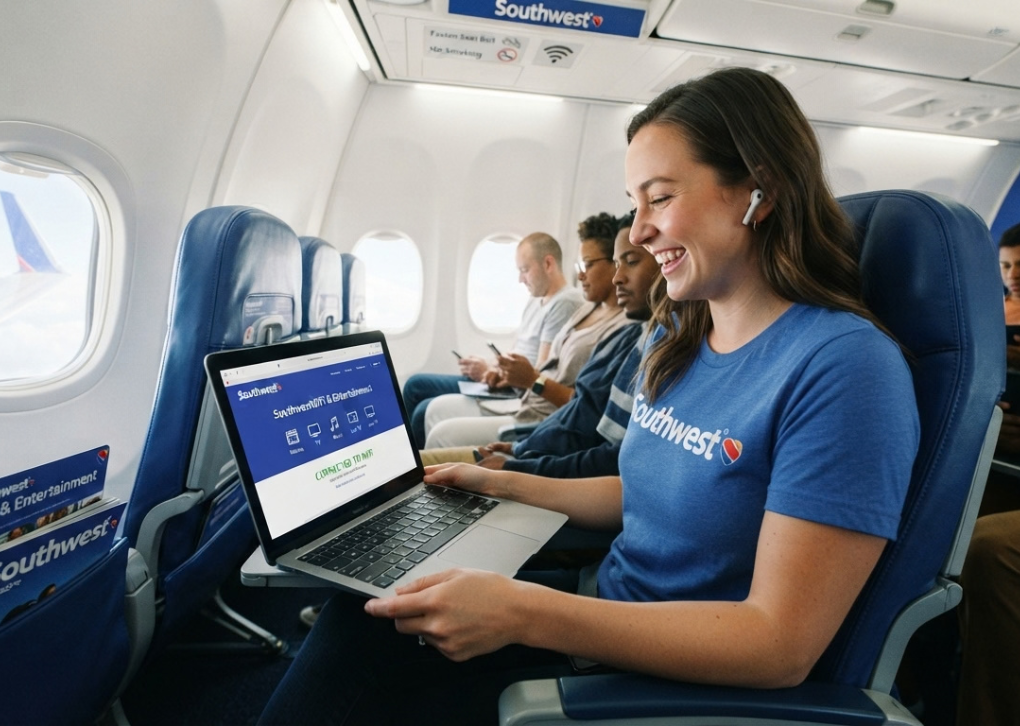
Flying today often means staying connected. Passengers want to check emails, message family, follow work updates, or simply browse during their journey. For Southwest Airlines travelers, Southwestwifi.com is the gateway to accessing onboard WiFi services, entertainment features, and digital content during eligible flights.
The portal is designed to make connecting simple once the aircraft reaches cruising altitude. Instead of downloading complicated software, passengers can connect their device to the aircraft WiFi network and open the Southwestwifi.com portal through a browser.
This guide explains how Southwestwifi.com works, how to connect, what services are available, pricing details, common problems, and practical tips for getting a smoother inflight internet experience.
What Is Southwestwifi.com?
Southwestwifi.com is the onboard portal used by Southwest Airlines passengers to access inflight WiFi services and entertainment options.
When travelers connect their smartphone, tablet, or laptop to Southwest’s aircraft WiFi network, the portal provides access to available onboard features. Depending on the aircraft and service availability, passengers may be able to browse the internet, access entertainment content, or use airline-provided digital services.
The website itself is not a normal public website that passengers use before boarding. It is primarily designed to work while connected to Southwest’s inflight wireless network.
How to Connect to Southwestwifi.com During a Flight
Connecting to Southwest WiFi usually takes only a few steps.
Step 1: Enable Airplane Mode
After boarding:
- Turn on airplane mode on your device.
- Enable WiFi manually.
- Wait until the aircraft reaches cruising altitude and WiFi service becomes available.
Airlines generally disable WiFi access during certain flight phases for operational reasons.
Step 2: Connect to the Southwest WiFi Network
Open your device’s WiFi settings and select the Southwest onboard network.
The network name may appear as SouthwestWiFi or a similar aircraft-specific connection.
Step 3: Open Southwestwifi.com
After connecting:
- Open a browser.
- Visit Southwestwifi.com.
- The inflight portal should load automatically.
If it does not open:
- Refresh the browser
- Try another browser
- Type the website address manually
- Disconnect and reconnect to WiFi
Step 4: Choose Available Services
Once inside the portal, passengers can view available options, including:
- Internet access
- Entertainment content
- Flight information
- Other onboard digital services
Available features can vary depending on aircraft equipment and route.
Does Southwest WiFi Cost Money?
Southwest WiFi pricing can vary depending on service availability, flight details, and promotional changes.
Historically, Southwest has offered paid WiFi access on many flights, while some customers may receive complimentary access through specific benefits or promotions.
Passengers should check the onboard portal after connecting because it displays the current available options and pricing.
What Can You Do With Southwest WiFi?
Southwest inflight WiFi is designed for common online activities.
Passengers can typically use onboard internet for:
- Messaging apps
- Web browsing
- Social media updates
- Online research
- Light business tasks
However, airplane WiFi has limitations compared with home broadband.
Activities That May Not Work Well
Because aircraft internet depends on satellite or air-to-ground connectivity, passengers may experience limitations with:
- Large file downloads
- High-bandwidth gaming
- Video uploads
- Heavy streaming
- Large software updates
Connection speed can also change depending on passenger demand and aircraft conditions.
Southwest Inflight Entertainment Through the WiFi Portal
Southwestwifi.com is not only about internet access. The portal also connects passengers with Southwest’s entertainment options.
Depending on availability, travelers may access:
- Movies
- TV shows
- Flight information
- Entertainment content
- Digital magazines or similar services
Entertainment services may work differently from paid internet access. Some content can be available without purchasing WiFi.
Passengers should connect to the portal after takeoff to see the current options for their specific flight.Does Southwestwifi.com Work on Phones, Tablets, and Laptops?
Yes, Southwest WiFi is designed to support common passenger devices.
Compatible devices generally include:
- iPhone
- Android smartphones
- iPads
- Android tablets
- Windows laptops
- Mac computers
A modern browser is usually enough because passengers access the service through a web portal rather than installing a special application.
For the best experience:
- Charge your device before boarding
- Update your browser
- Close unnecessary background apps
- Carry headphones for entertainment
Why Is Southwestwifi.com Not Working?
Sometimes passengers connect to the aircraft network but cannot access the portal.
Common causes include:
1. WiFi Is Not Available Yet
The service may not activate until the aircraft reaches cruising altitude.
2. Incorrect Network Connection
Make sure your device is connected to the Southwest onboard WiFi network.
3. Browser Issues
Try:
- Opening another browser
- Clearing browser tabs
- Typing Southwestwifi.com manually
4. Device Settings
Check that:
- Airplane mode is enabled
- WiFi is turned on
- VPN connections are disabled temporarily
5. Flight Limitations
Not every aircraft or route may have identical connectivity capabilities.
Tips for a Better Southwest WiFi Experience
Connect Early
Prepare your device before takeoff:
- Install updates before flying
- Download important files
- Charge your battery
Download Entertainment Before Boarding
Even with inflight internet, offline entertainment can be useful if connectivity becomes limited.
Avoid Heavy Downloads
Airplane WiFi is shared among passengers. Large downloads can consume bandwidth quickly.
Carry a Backup Plan
If you need reliable work access:
- Save documents offline
- Download presentations beforehand
- Keep important emails available locally
Southwest WiFi Compared With Traditional Internet
| Feature | Southwest WiFi | Home Internet |
|---|---|---|
| Location | Aircraft | Fixed location |
| Speed | Variable | Usually faster |
| Availability | Flight dependent | Usually constant |
| Multiple users | Shared connection | Private connection |
| Best use | Browsing and messaging | Heavy online activity |
Southwest WiFi is built for convenience during travel rather than replacing regular broadband.
Future of Southwest Inflight Connectivity
Airlines continue investing in faster onboard internet technology. Southwest has announced plans to expand connectivity options, including newer satellite-based solutions designed to improve passenger experiences.
Future improvements may provide:
- Faster browsing
- Better reliability
- Improved coverage
- More advanced onboard digital services
However, availability depends on aircraft upgrades and rollout schedules.
Is Southwestwifi.com Safe to Use?
Using Southwest’s official onboard portal is generally safer than connecting to unknown public networks.
Passengers should still follow normal online safety practices:
- Avoid entering sensitive information on unsecured websites
- Use trusted websites for banking
- Keep devices updated
- Avoid sharing passwords over public networks
Final Thoughts
Southwestwifi.com provides Southwest Airlines passengers with a simple way to access onboard internet and entertainment services during eligible flights. The connection process is straightforward: join the aircraft WiFi network, open the portal, and choose the available services.
While inflight WiFi cannot match home broadband speeds, it is useful for messaging, browsing, email, and staying connected while traveling. Preparing your device before departure and understanding the service limitations can make the experience smoother.
For passengers who want to stay productive or entertained in the air, Southwestwifi.com remains the central place to begin.
